Quick test. Without looking anything up, extract a .tar.xz into a specific directory. Now a .zip. Now decompress a .gz but keep the original. Now a .zst.
That is tar -xJf file.tar.xz -C dir, unzip file.zip -d dir, gunzip -k file.gz and unzstd file.zst. Four tools, four flag conventions, and the output directory is spelled differently in two of them. Most of us have one of these in muscle memory and look up the rest every time.
There is a well known xkcd about defusing a bomb by typing a valid tar command from memory. It is funny because nobody in the room can actually do it.
The shape of the problem 📦 Link to heading
The individual tools are fine. tar is fine. The problem is that compression on Unix grew one format at a time, and each format arrived with its own command and its own ideas about flags. The file name already tells you everything about the format. You are the one translating it into the right incantation.
Research computing makes this worse, because we receive files from everywhere. A collaborator sends a .zip made on Windows. A reference genome arrives as .tar.gz. A repository serves .tar.xz. Someone’s archived project is .7z. Each one costs a lookup, and the lookups are never the interesting part of the day.
What ouch does 🧰 Link to heading
ouch, short for Obvious Unified Compression Helper, reads the format from the file extension and gives you three commands for all of them:
ouch decompress refdata-gex-GRCh38.tar.gz
ouch compress results/ figures/ project_archive.tar.gz
ouch list collaborator_data.zip
Each has a one-letter alias: ouch d, ouch c and ouch l.
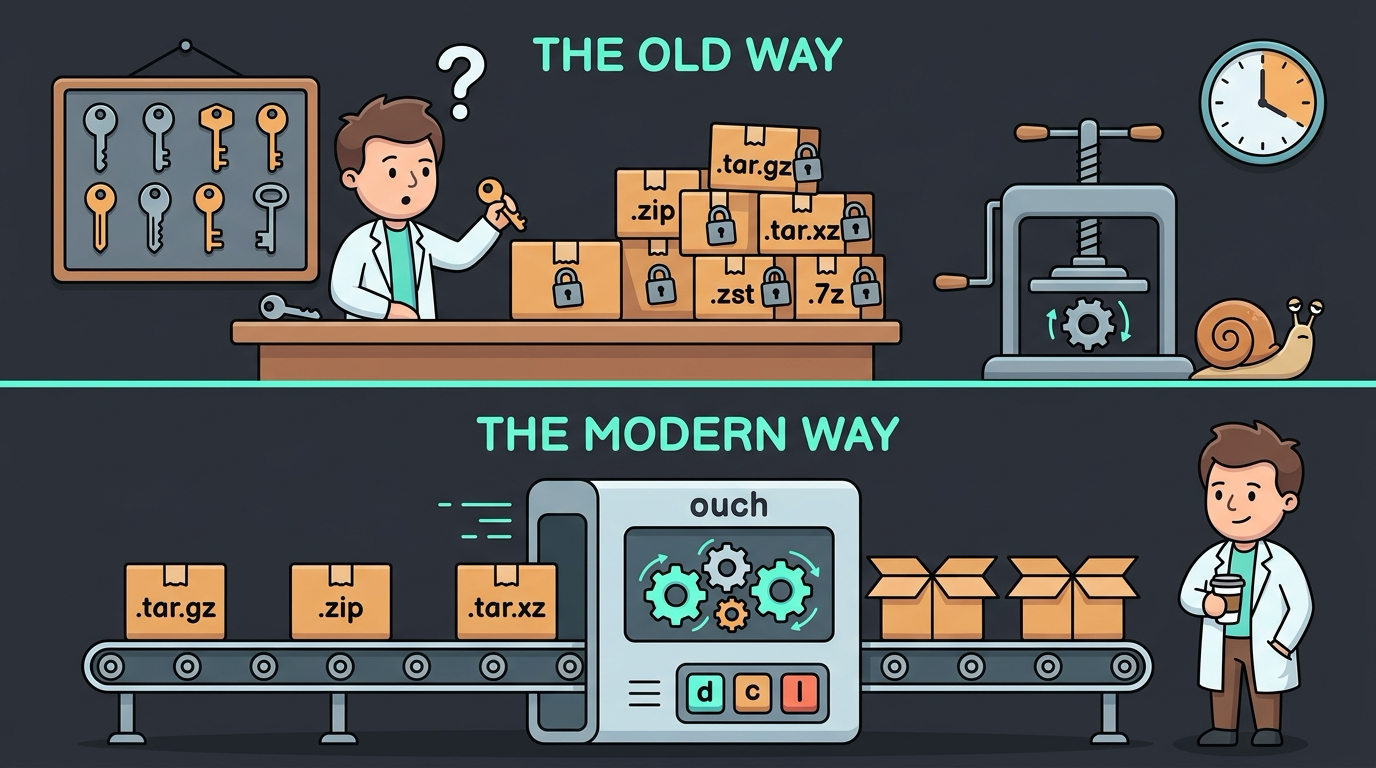
The details that make it pleasant:
- Format comes from the name. Compressing to
output.tar.gzproduces a gzipped tarball. Compressing tooutput.zipproduces a zip. There are no format flags to remember. - Output directories are one flag everywhere:
ouch d archive.tar.gz --dir refs/. - Several archives in one go:
ouch d *.zipdoes what you would hope. - It asks before overwriting existing files, which is a small thing until it saves you once.
- Compression level when you care:
--leveladjusts it without learning each format’s own scale.
It supports the formats you will realistically meet: tar, zip, 7z, gzip, bzip2, xz, zstd, lz4 and more.
Why I actually use it ⚡ Link to heading
Two reasons, and neither is clever.
The syntax is short enough to type without thinking. ouch d something and ouch c stuff archive.tar.gz. That is the whole interface. There is no decision to make about which tool this format needs, no flag to half-remember, no moment of typing tar -xzf at a .tar.xz file and watching it complain. Over a week of unpacking references and collaborator data, the saved thinking adds up more than the saved keystrokes do.
It is quick. ouch is written in Rust and parallelises compression where the format allows it, so packing a large analysis directory on a multi-core node finishes noticeably sooner than the single-threaded defaults. Time it on your own machine with something realistic rather than trusting my numbers, but on mine the difference is obvious enough to notice.
That is the entire pitch. It is a convenience tool, and it is honest about being one.
Worth knowing about formats 🧬 Link to heading
I do not change my compression habits to suit a tool, and you probably should not either. Genomics formats carry expectations that no general-purpose archiver knows about, so a few things stay outside ouch’s remit:
- Indexed files need
bgzip, not gzip. Tabix indexing requires block gzip, which allows random access. A plain gzip file looks identical by extension and tabix will refuse it. - FASTQ stays as
.gz. Every aligner, trimmer and QC tool in your pipeline reads.fastq.gz. Other formats may compress better, but compatibility wins for raw reads. - Already-compressed data gains nothing. BAM, CRAM, HDF5 matrices and Parquet are compressed internally. If you just want to bundle them, a plain
.taris the honest choice.
None of this is a mark against ouch. It is the boundary of what a convenience tool is for: everything around your data rather than the data formats your pipeline depends on.
A few honest notes 📌 Link to heading
Keep it out of shared scripts. tar, gzip and unzip are installed on every cluster you will ever log into. ouch probably is not. Use it interactively, and write the classic commands into pipelines other people run. You will also still need to read tar commands in other people’s code, so the old knowledge does not go to waste.
This idea is older than ouch. atool and its aunpack command did format-agnostic extraction in Perl twenty years ago, and dtrx and unp followed. Like zoxide, ouch is a well engineered Rust version of an idea that keeps being rebuilt, which is usually a sign that the problem is real.
I covered ouch briefly in December 2024. A year of daily use later, I use fewer of its features than I expected and reach for it more often than I expected.
Setup 🛠️ Link to heading
cargo install ouch
brew install ouch
Prebuilt binaries are on the project’s GitHub releases page, which is the easy route on a cluster without root access. Drop one in ~/.local/bin.
The bottom line 🎯 Link to heading
tar is not the problem. The problem is that there are eight of them, each with its own flags, and the file name already told you which one you needed.
ouch reads the name so you do not have to translate it, and it is fast enough that packing a big directory is no longer a reason to go and make coffee. That is a small thing, several times a day.
Next post: bat, and actually seeing what is in your files.